OnlyFans is the most popular content monetization platform. The lack of censorship has led to the spread of 18+ content, so only adult authors can register on the site.
Quick exit from OnlyFans account
To start using the platform, you will need to register and verify by uploading an identity document. Specify your name, mailbox and password. You can use a verified Google or Twitter account.
The platform is temporarily closed for models from Russia. You can access it using a VPN, but you won’t be able to register.
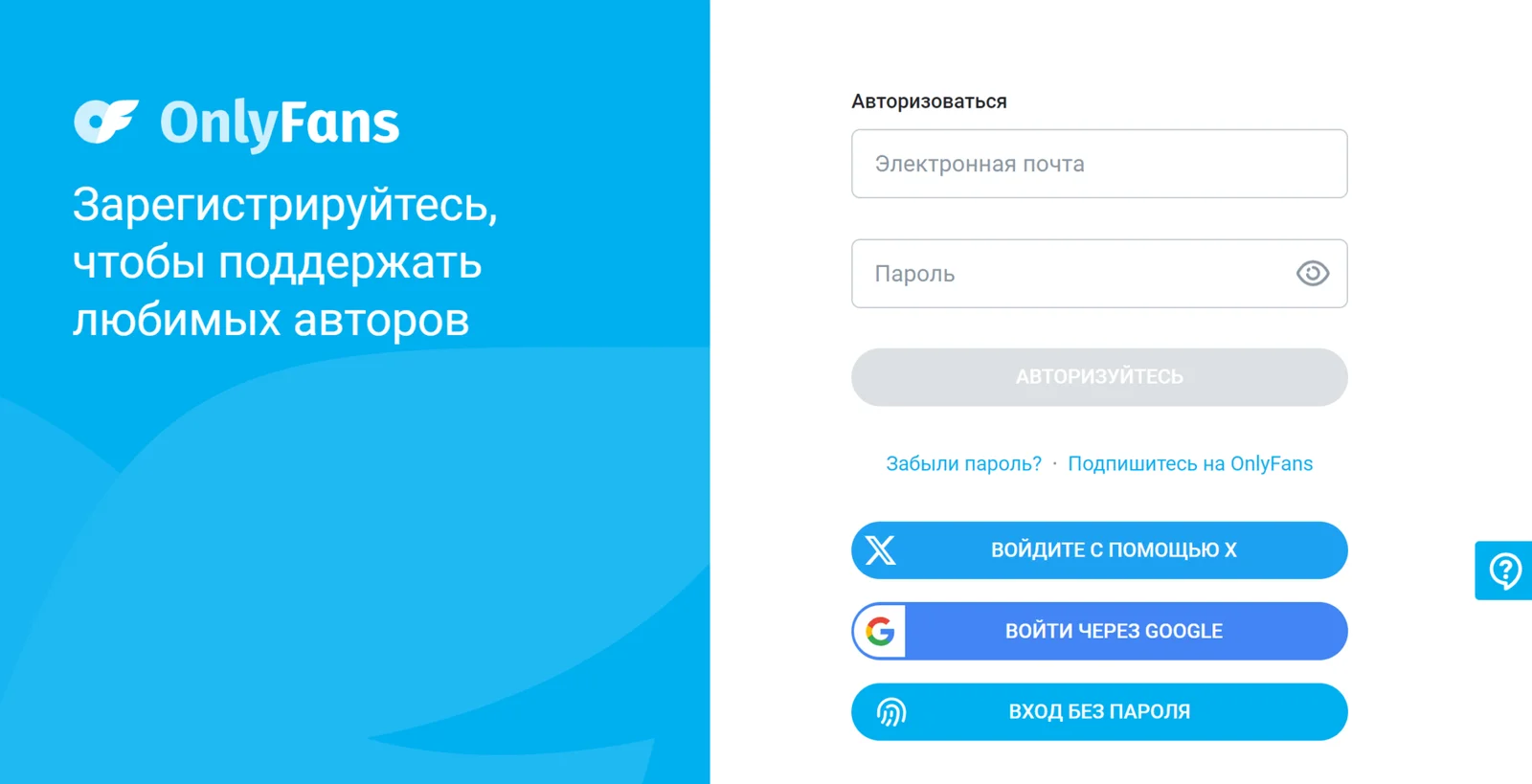
To protect your personal data, it is highly recommended to log out of your OnlyFans account after finishing work. It is especially important to do this if you were working with the site on a publicly accessible device (PC or smartphone).
Without unnecessary need, do not use Wi-Fi in public places.
On PC
- Access the OnlyFans platform via your PC browser.
- Click on your account's personal account.
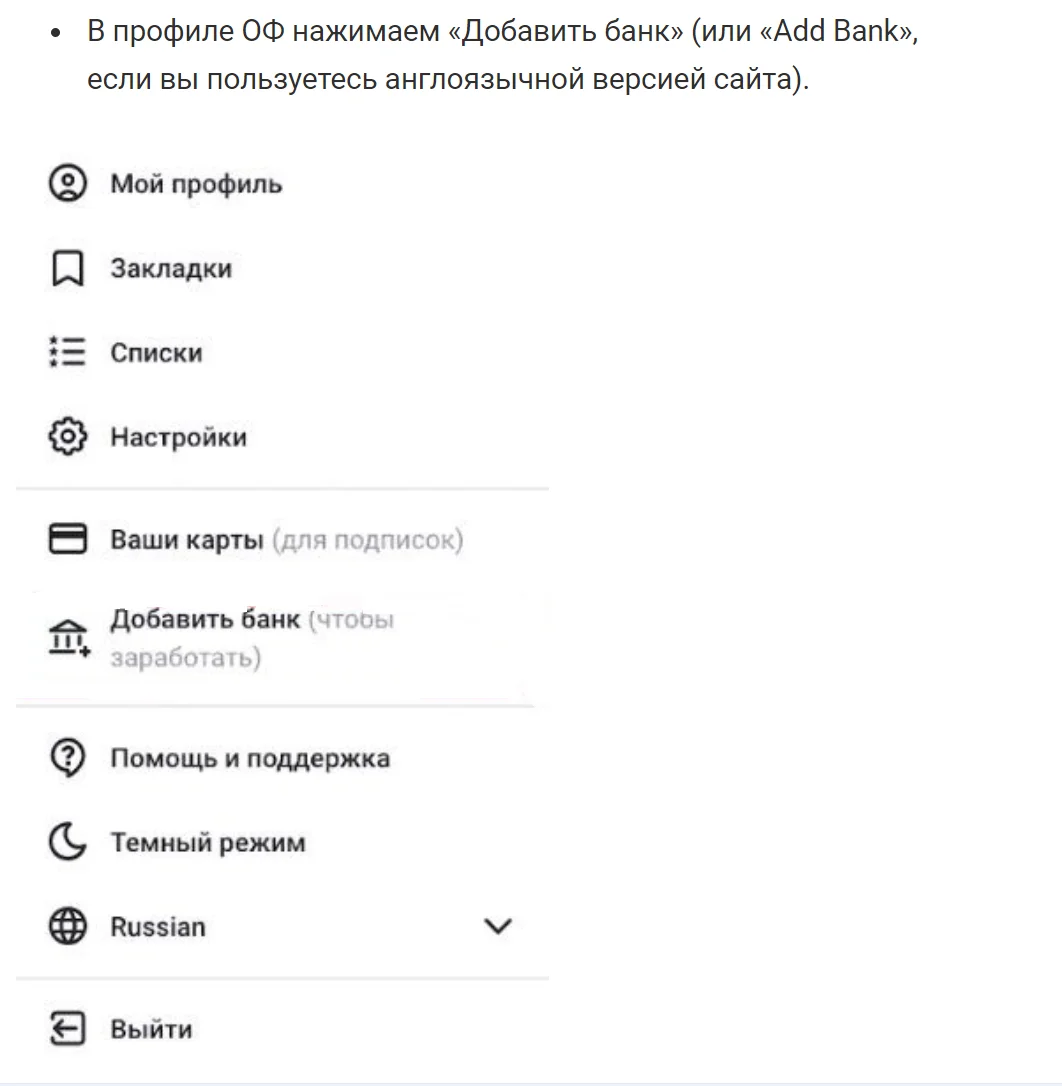
- Click the "Exit" menu item.
On a smartphone
- Go to the OnlyFans app.
- Open your personal account.
- Click the "Exit" menu item at the end of the list.