
OnlyFans is a social network for those who want to share their content for money. In this article we will tell you how to use the service and what difficulties may arise when verifying your account.
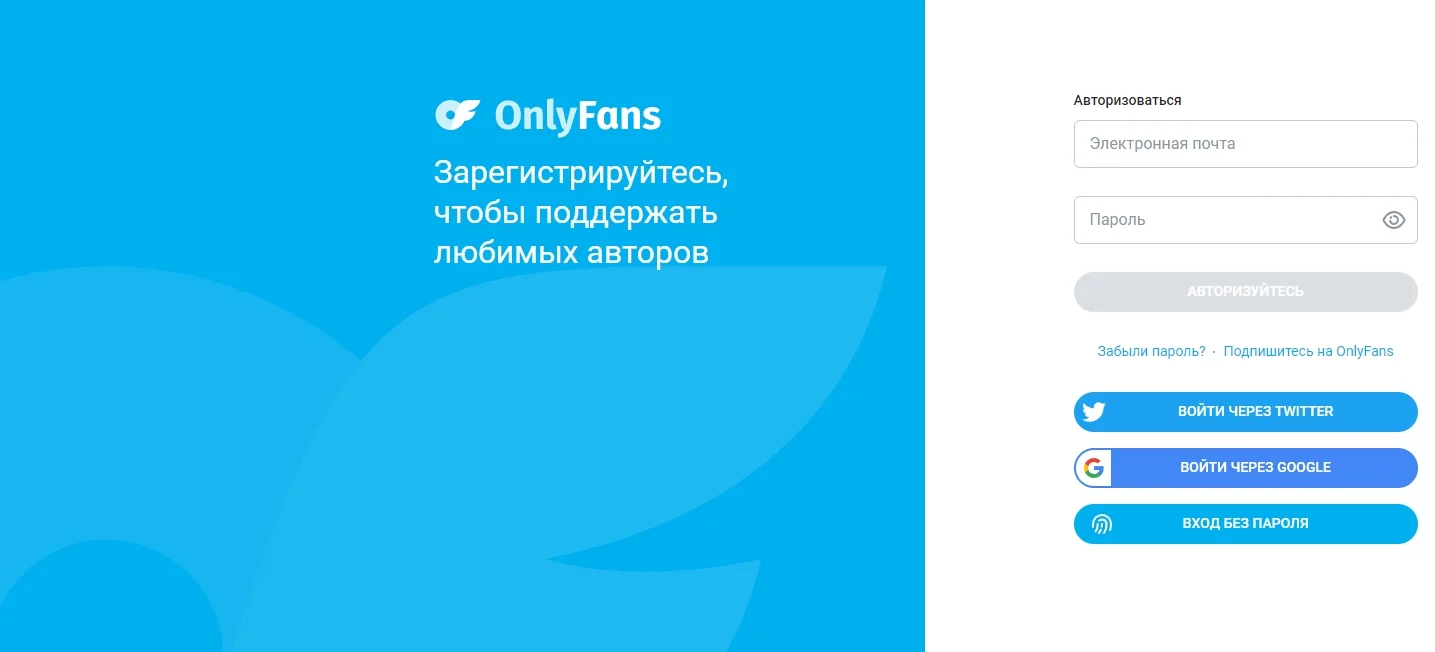
First of all, you need to register on the site: onlyfans.com. To do this, you need to enter your email address in the appropriate field, create a name and password. It is possible to quickly log in via a Google account.
How to get verified
On OnlyFans, there are types of users such as creators and fans. The first ones film and post their content, and their fans view it for money.
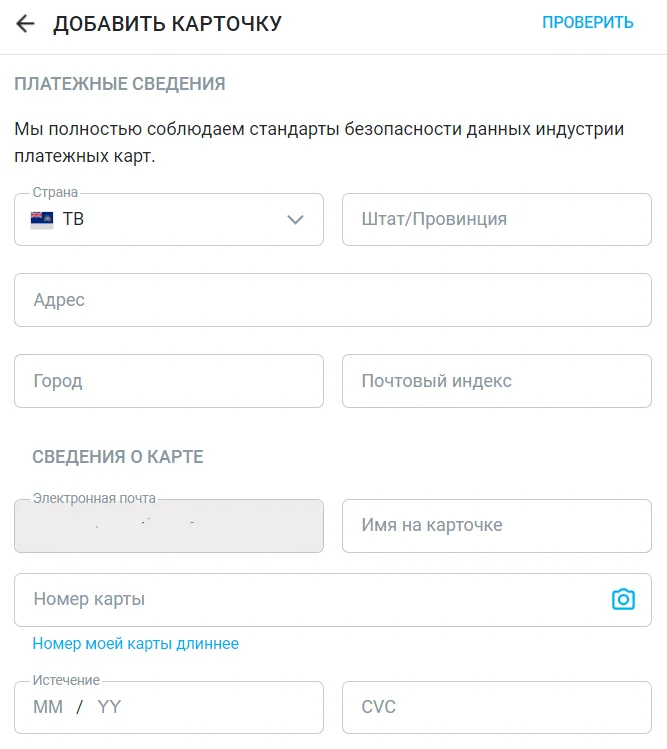
Fans do not need to be verified. All you need to do is register, agree to the terms of the site, confirm your age by checking the box and link your bank card.
Those who are going to earn money will have to undergo verification using the following procedure:
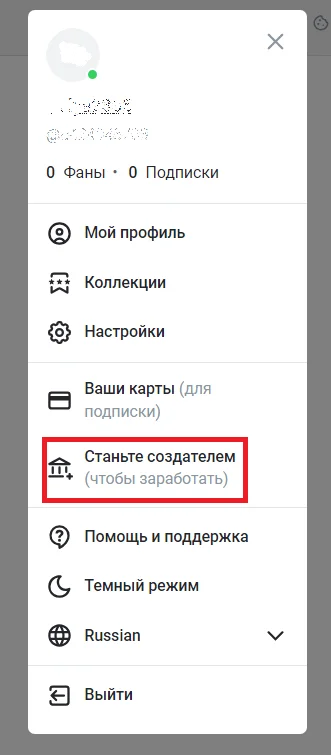
- In the left menu, go to profile settings. Then click on the “Become a Creator” link.
- Fill out the section about yourself: upload a profile header photo and avatar, indicate your name, age and hobbies.
- Select your country of residence and confirm your age.
- Click the "Full Scan" button.
- Scan the QR code shown on the screen with your smartphone camera and follow the link.
- Take a photo of your ID (passport, driver's license, ID card) and yourself (selfie)
- Upload completed photographs of your ID and your face along with this document.
- Fill in your personal information and provide links to your Instagram or Twitter account.
- Submit your application for review.
The account approval process takes from 24 to 48 hours.
If verification is rejected
In this case, a notification will be sent to your email indicating the reasons. You need to sort them out, correct the errors and submit an updated application again.
After verification
If your account is verified, you will receive creator status and can start earning money on the platform. You will need to add a withdrawal method from the proposed options. And also set the subscription price for your content.
Verified account privileges
A verified account on OnlyFans provides the following privileges:
- Earning Opportunity: Verified users can create and monetize content, receive subscriptions, tips and paid messages.
- Promotion Access: Verified accounts can use promotion and marketing features, including promotions and discounts.
- Enhanced security measures: increased account protection from hacking and fraud.
- Subscriber trust: verification increases the trust of the audience and improves the reputation of the content creator.
- Full access to analytics: the ability to track statistics and content analytics to improve your promotion strategy.
- Priority Support: Quick access to OnlyFans support for any questions or concerns.
Account verification can seem confusing and difficult. But with patience and attention to detail, the procedure will not cause difficulties.