
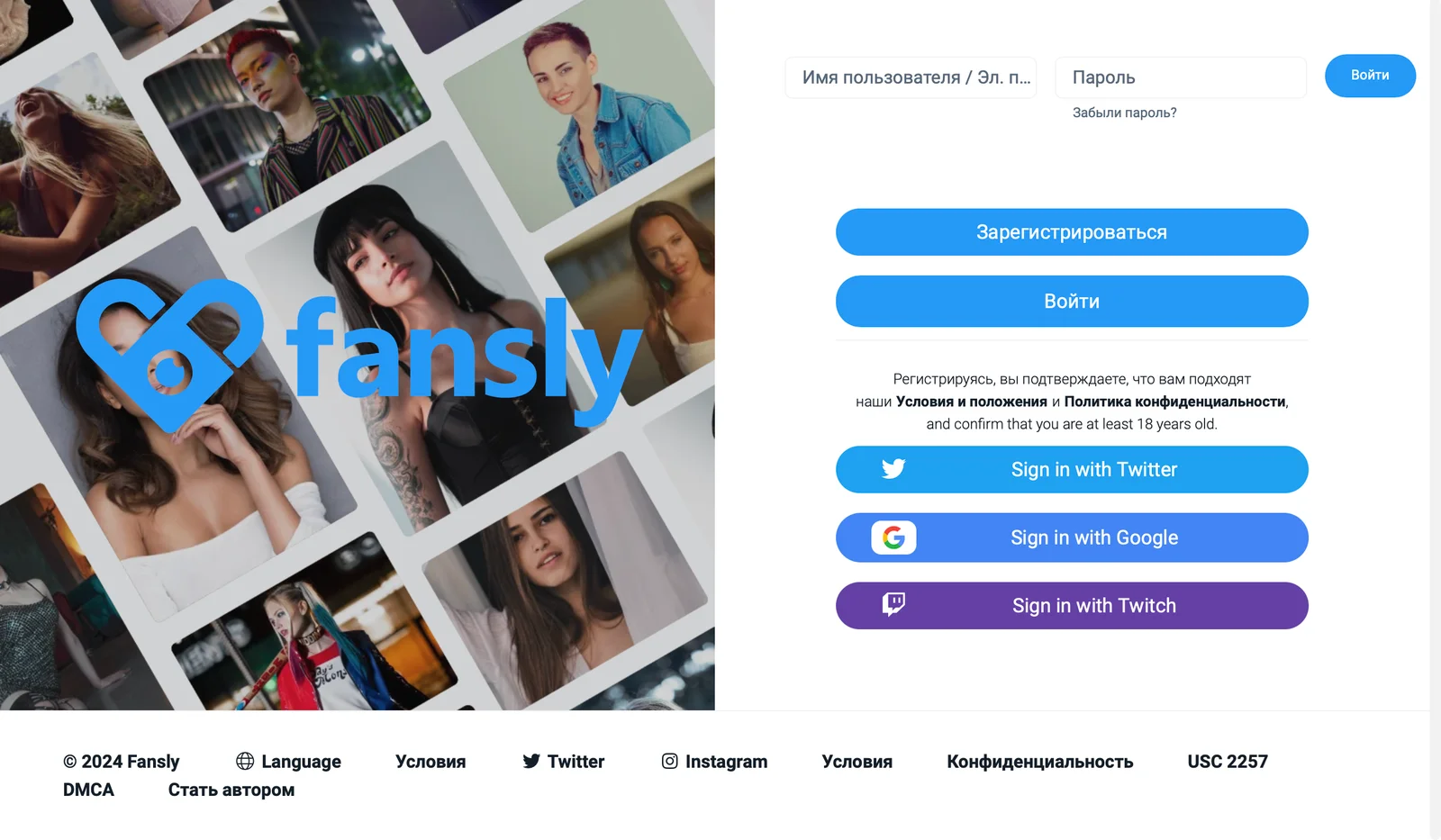
Fansly is a popular platform for creating and sharing exclusive content where creators can share their photos, videos and posts with followers for a fee. Many users from Russia are interested in how to register and log in to Fansly, taking into account possible restrictions and blocking.
In this article, we will look at all the available ways to log in to Fansly: through a username and password, as well as using third-party platforms such as Google, Twitter and Twitch.
Access to the site from the Russian Federation
First you need to understand whether it is even possible to access the Fansly website from Russia. In some cases, access to Fansly may be restricted at the ISP level.
If the site does not open, you can use VPN services. To do this, just select a suitable VPN service, install it and access Fansly through a third-party server.
Login using login and password
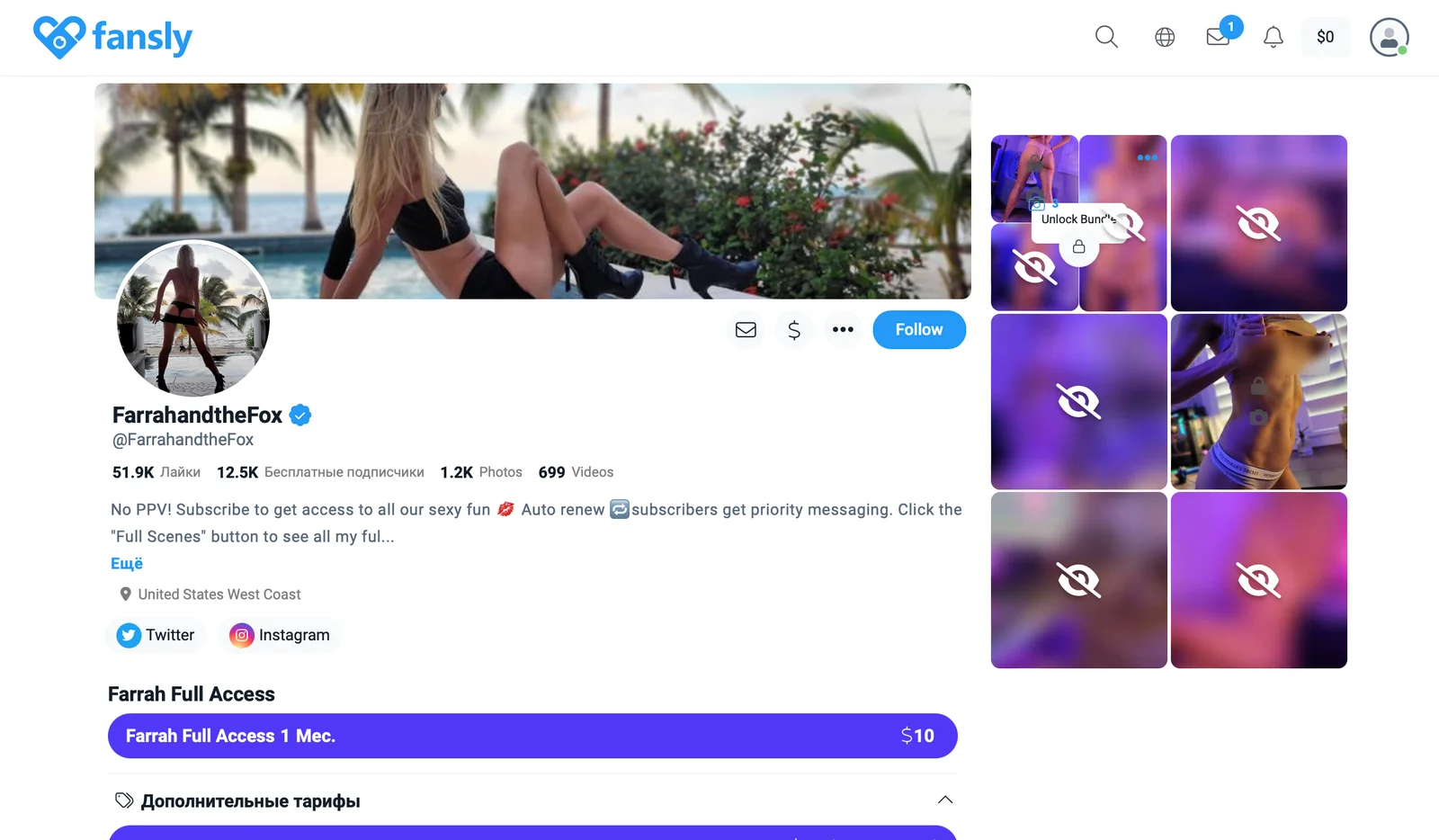
If you already have an account on Fansly, you can log in to it by entering your username and password. To do this, follow these steps:
- Go to the official website fansly.com.
- In the upper right corner, click the "Login" button.
- Enter your email address and password you provided during registration.
- Click the "Login" button.
If you have forgotten your password, use the password recovery feature. To do this, on the login page, click “Forgot your password?” and follow the instructions to restore it via email.
Login via other platforms

Fansly also offers the ability to log in through third-party platform accounts, which can make the registration and login process much easier. Let's look at the available options.
To sign in with Google, follow these steps:
- On the Fansly login page, select the "Sign in with Google" option.
- In the Google login window, enter your Google credentials (email and password).
- Allow Fansly access to your Google account.
- You will then be automatically redirected to your Fansly page.
In this case, you do not need to remember a separate password for Fansly; the data from your Google account is enough.
To login via Twitter, follow the instructions:
- On the Fansly login page, click “Login with Twitter.”
- You will be redirected to the Twitter login page. Enter your Twitter login details.
- Allow Fansly to access your Twitter account.
- You will then be returned to Fansly and logged into your account.
Login via Twitter is convenient for those who actively use this social network and prefer to merge accounts.
Twitch
To login via Twitch, follow these steps:
- On the Fansly login page, select “Login with Twitch.”
- You will be redirected to the Twitch login page. Enter your Twitch login information.
- Allow Fansly access to your Twitch account.
- You will then be redirected to Fansly and have access to your account.
This method is especially popular among streamers and gamers who use Twitch in their daily activities.
Login to Fansly from Russia is possible either directly or through a VPN. Fansly offers several login methods, including classic login via username and password, as well as integration with popular platforms Google, Twitter and Twitch. Choose the method that is most convenient for you.